
Video conferencing in the WorkOrderAgent: talk it through without a third-party service.
Go through a quote, show a problem on screen, sort something out with your accountant: you create the room in the WorkOrderAgent, your guests get a personal link and join in the browser with one click. No account, no app, over your own server.
From room to meeting
Your guests only need an up-to-date browser, on a PC or a phone.
- Create a roomUnder “Video conference” you enter a title, a start time and duration if you like, and your guests’ email addresses.
- InviteEach guest receives an email with their personal link and a calendar entry. Without mail sending set up, you copy the link and pass it on yourself.
- Preview and waiting roomThe guest checks camera and microphone in the preview and then waits until you let them in.
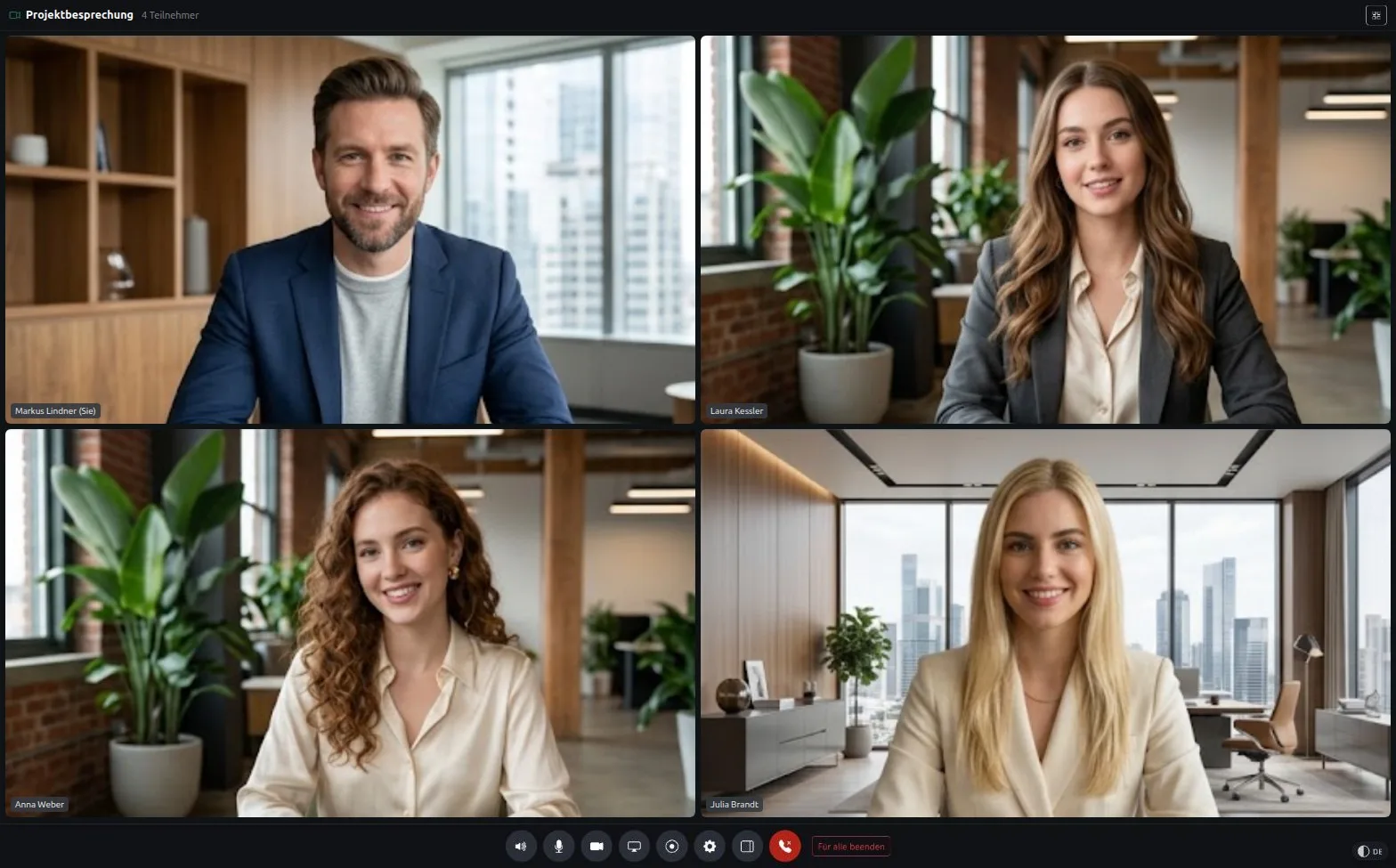
- MeetYou see each other, share your screen and write in the chat. At the end you close the room for everyone.
What you can do in the room
Made for small groups: a customer, a colleague, your accountant.
- Camera, microphone, speaker
- Everyone picks their own devices and mutes microphone or camera when needed.
- Screen sharing
- Show a quote, a drawing or the setting in question. Any tile can be opened full screen.
- Chat
- For an address, an item number or a link that is hard to dictate.
- Host and guests
- As host you admit guests from the waiting room, decline or block them. You switch the waiting room on or off per room.
Your meeting stays with you
- No third-party cloud
- Video conferencing runs over your WorkOrderAgent server. Every server brings its own video server; there is no central cloud.
- Encrypted all the way
- Video and audio travel encrypted directly between participants. If a network does not allow a direct connection, your server only relays the encrypted packets and cannot read them.
- Personal links and waiting room
- Every guest has their own link with a random key. Anyone who passes it on ends up in the waiting room and only gets in if you agree.
- Recording only when enabled
- Recording is off by default and is enabled per company. Only the host can record, directly in the browser. Everyone sees “Recording”, guests get a consent notice, and nothing is stored on the server.
Frequently asked questions
Do my guests need an account or an app?
No. An up-to-date browser is enough, on a PC or a phone. The guest clicks their link and, after the camera and microphone test, is in the waiting room.
How many people fit in a room?
Up to six. Video conferencing is meant for small meetings, not for webinars with a large audience.
Does it work on a phone over mobile data?
Yes. Meetings between a PC and a phone over mobile data have been tested. If a network does not allow a direct connection, your own server relays it.
Is it end-to-end encrypted?
Video and audio are encrypted all the way and travel directly between participants. There is no separate end-to-end encryption with its own key exchange. Your server still cannot read the content, even when it relays a connection.
Can I record meetings?
Yes, if recording is enabled for your company. The host records in the browser and saves the file on their own computer. All participants see that a recording is running.
Is there dial-in by phone?
No. You can only join through the browser, on a PC or a phone.
Related
Meet without booking yet another service?
Request a free demo and see how a room in the WorkOrderAgent becomes an invitation with a calendar entry.
0173 644 22 17