
From enquiry to paid invoice in one job.
Quote, order, defects, acceptance, invoice and dunning stay in the same record. Nothing is retyped, nothing gets lost between two programs.
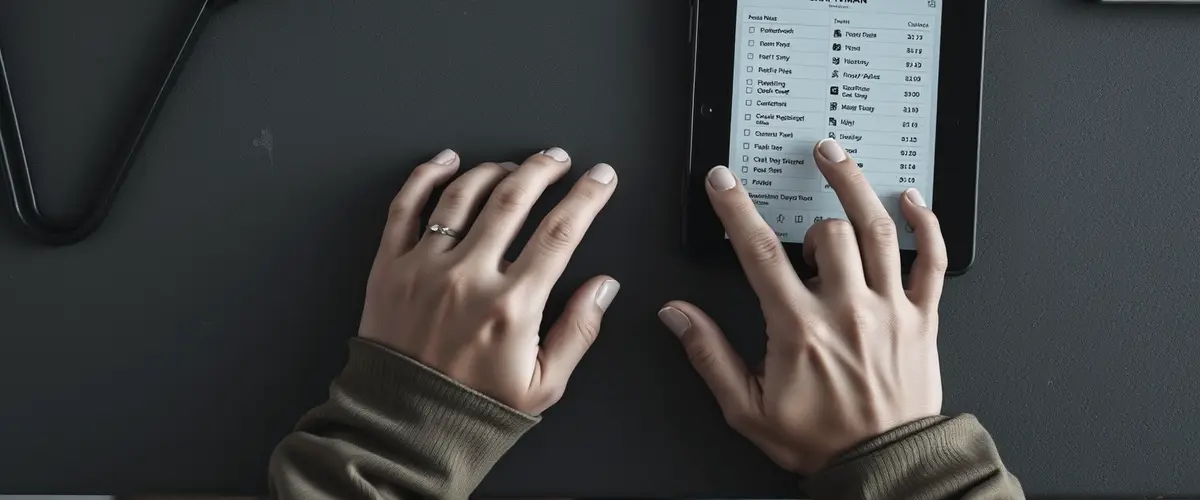
What order management can do
The job is the central unit. It moves from quote to invoice and always stays the same record.
Quote, order, invoice
One click turns the quote into an order, and the order into an invoice. Line items, prices, customer and tax are carried over.
DetailsDocument defects
Record defects with a photo and send the customer an appointment with online confirmation. The status stays visible until the defect is fixed.
DetailsSign off acceptance
The customer signs on the tablet on site. The PDF record goes to the order and the customer.
DetailsThree-stage dunning
Payment reminder, first and second reminder notice. You set texts and deadlines per company.
DetailsMobile on the go
Take a photo, add a line item, start a timesheet, right on your smartphone and without a separate app.
DetailsCustomer portal
Every customer gets an encrypted link to their jobs, invoices and defects, without logging in.
DetailsThe typical workflow
Six steps from first contact to a settled invoice.
- Record the enquiryCreate the customer, create a quote with line items.
- Send the quoteThe PDF goes to the customer by email, with a link to accept it online.
- Convert to an orderWhen the customer accepts, one click creates the order confirmation.
- Carry out the jobRecord hours, material and travel, and document defects if needed.
- Acceptance and invoiceSign the record on site, and the invoice is created immediately.
- Dunning, if neededBank reconciliation checks incoming payments automatically, and reminders are just a click away.
All details at a glance
For anyone who wants to know exactly.
- Number ranges per companyQuote, order, invoice and credit note with their own prefixes and number of digits.
- Several tax rates19 %, 7 %, reverse charge under § 13b and § 13b for construction work, adjustable per line item.
- Sales price schemesManage mark-up rules such as material × 1.4 or hourly rates centrally and apply them in the quote.
- Wholesaler connectionVia OpenMasterData (e.g. Obeta, Sonepar): type in the article number, and prices, EAN and images are carried over.
- Mix line items freelyArticles from the master data, free line items, hourly rate, travel and flat fees.
- AttachmentsPhotos from the job, plans and PDFs are stored with the job and in the customer portal.
- Status workflowOpen, in progress, waiting for material, completed, invoiced, paid.
- Sending by emailYour own SMTP server per company, editable templates, copy to your own mailbox.
- ZUGFeRD and XRechnungZUGFeRD as a PDF with embedded XML for business customers, XRechnung as pure XML for public-sector clients. Both are German e-invoice formats.
- GoBD-compliantLock period on documents, change log, gapless numbering, as required by the GoBD (German rules for digital bookkeeping).
Related
Sounds like exactly what you need?
Try it free for 20 days or let us show you order management using your own workflows. In the winter special: all modules in the package at no extra cost. If you start now, you keep the benefit afterwards too.
0173 644 22 17