
Feature reference · chapter 9 of 13
Stock and purchasing
Stock at several storage locations, purchase orders to suppliers, reorder suggestions and price lists from wholesalers.
All screenshots show sample data. Names, amounts and addresses are made up. Menu names and screenshots show the German user interface.
Stock overview
Menu ERP-Modul Lager
Stock, stock value and items below minimum at a glance. Storage locations are set up as a tree, for example Garage > Shelf A. Goods in and out, stocktaking and a stock list as a PDF.
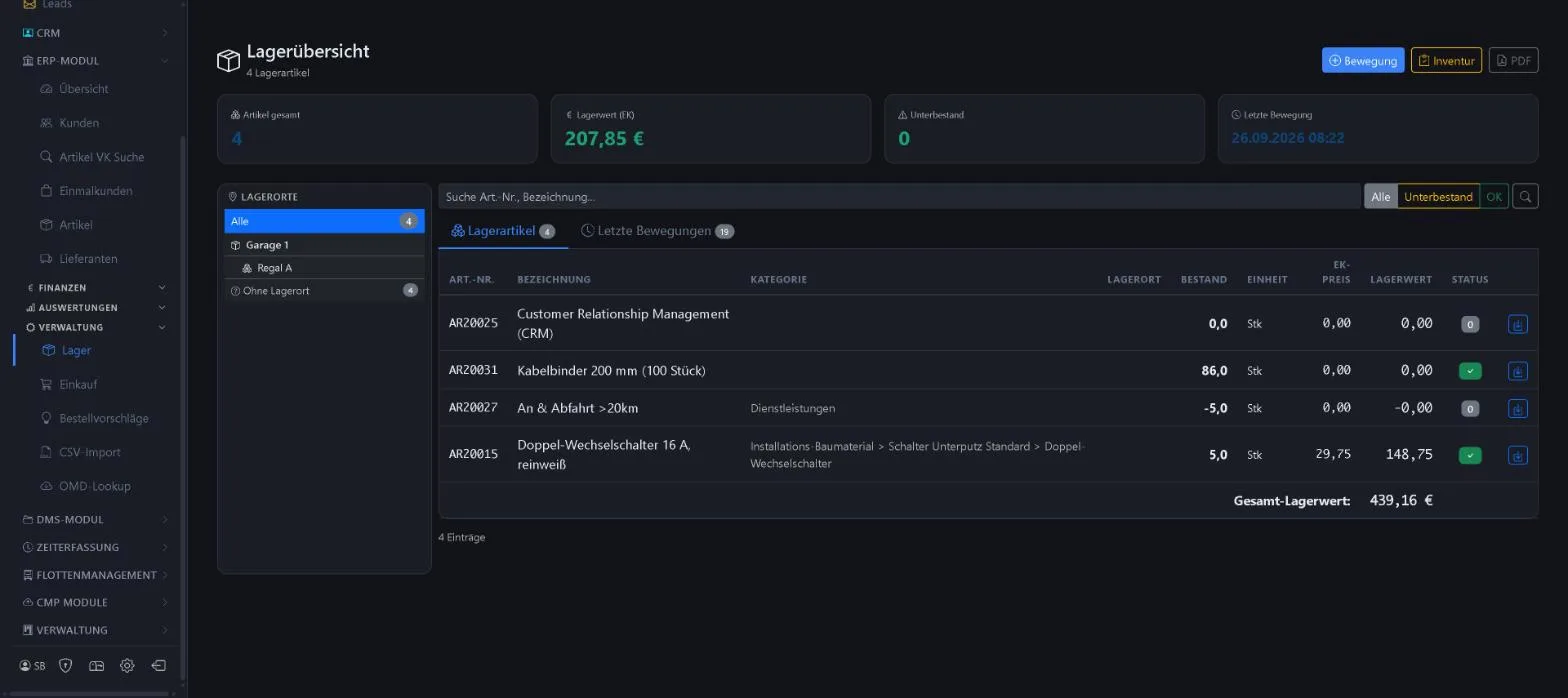
- Nested storage locations
- Filter below minimum stock
- Stocktaking
- Latest movements
Keywords Stock Inventory Stocktaking Storage location Minimum stock Stock value
Purchase orders
Menu ERP-Modul Einkauf Bestellungen
Purchase orders to suppliers from draft to delivery, including part deliveries.
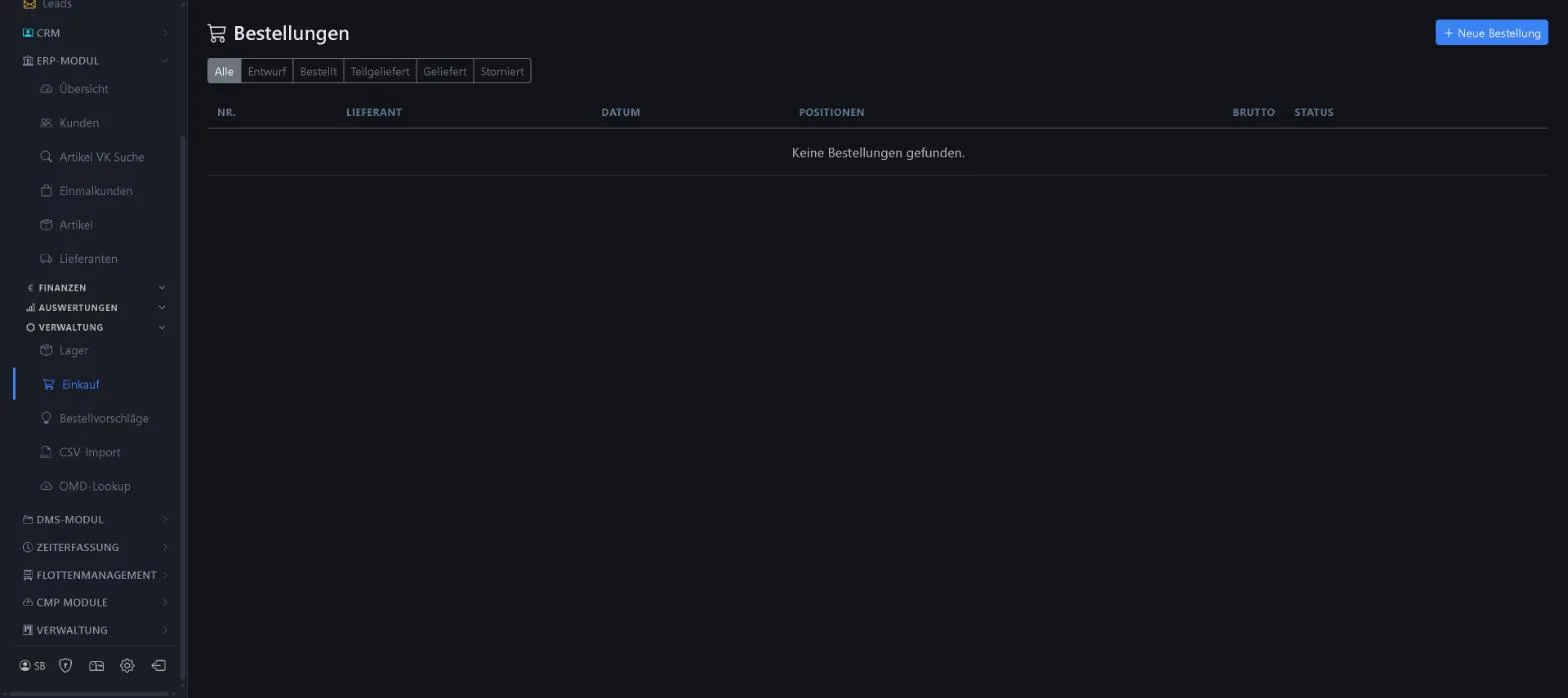
- Status draft, ordered, partly delivered, delivered, cancelled
- Line items and gross amount
Keywords Purchase order Purchasing Part delivery Goods received
Reorder suggestions
Menu ERP-Modul Einkauf Vorschläge
Based on minimum stock and open demand from orders, WorkOrderAgent suggests what should be reordered.
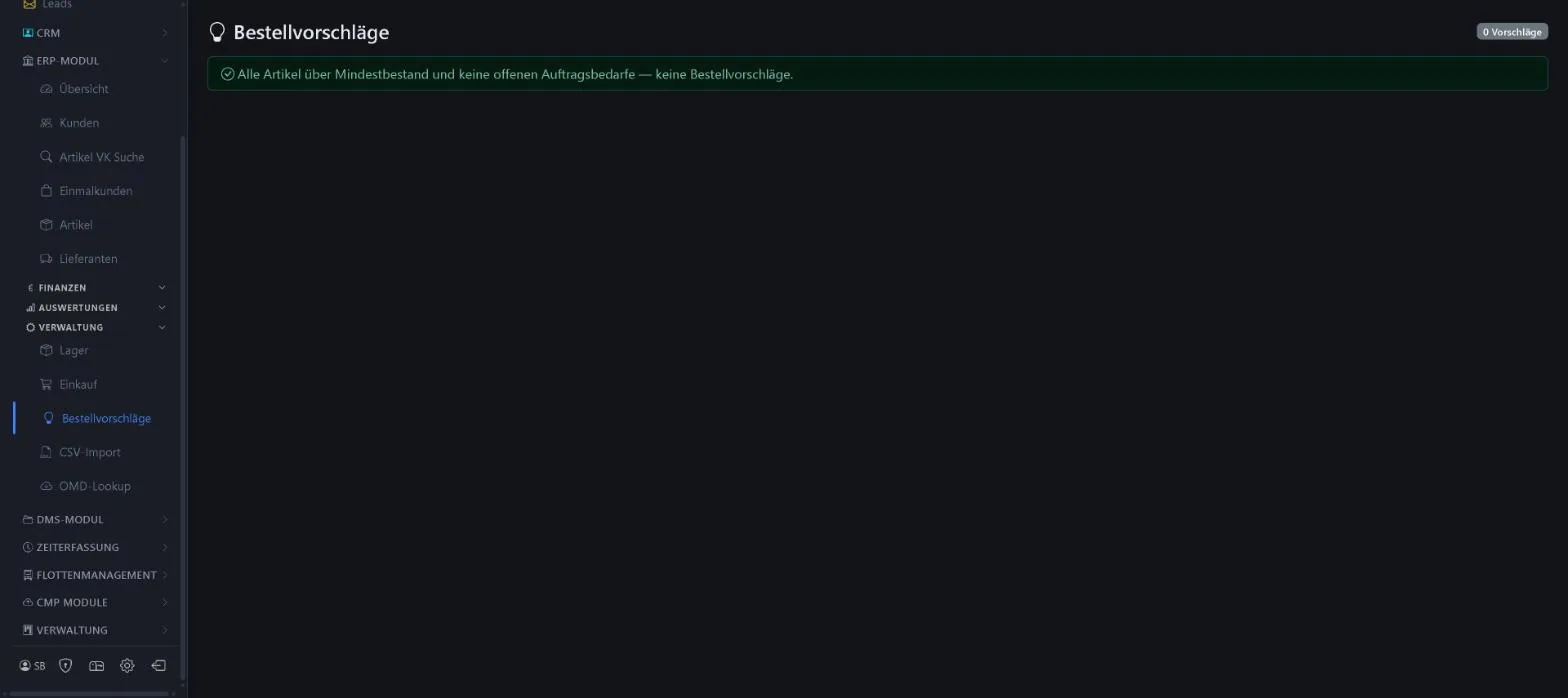
- Minimum stock per item
- Demand from open orders
Keywords Reordering Minimum stock Demand Stock planning
Price lists via CSV
Menu ERP-Modul Einkauf CSV-Import
You import your suppliers’ price lists using a saved field mapping per supplier. If you wish, the import updates itself regularly.
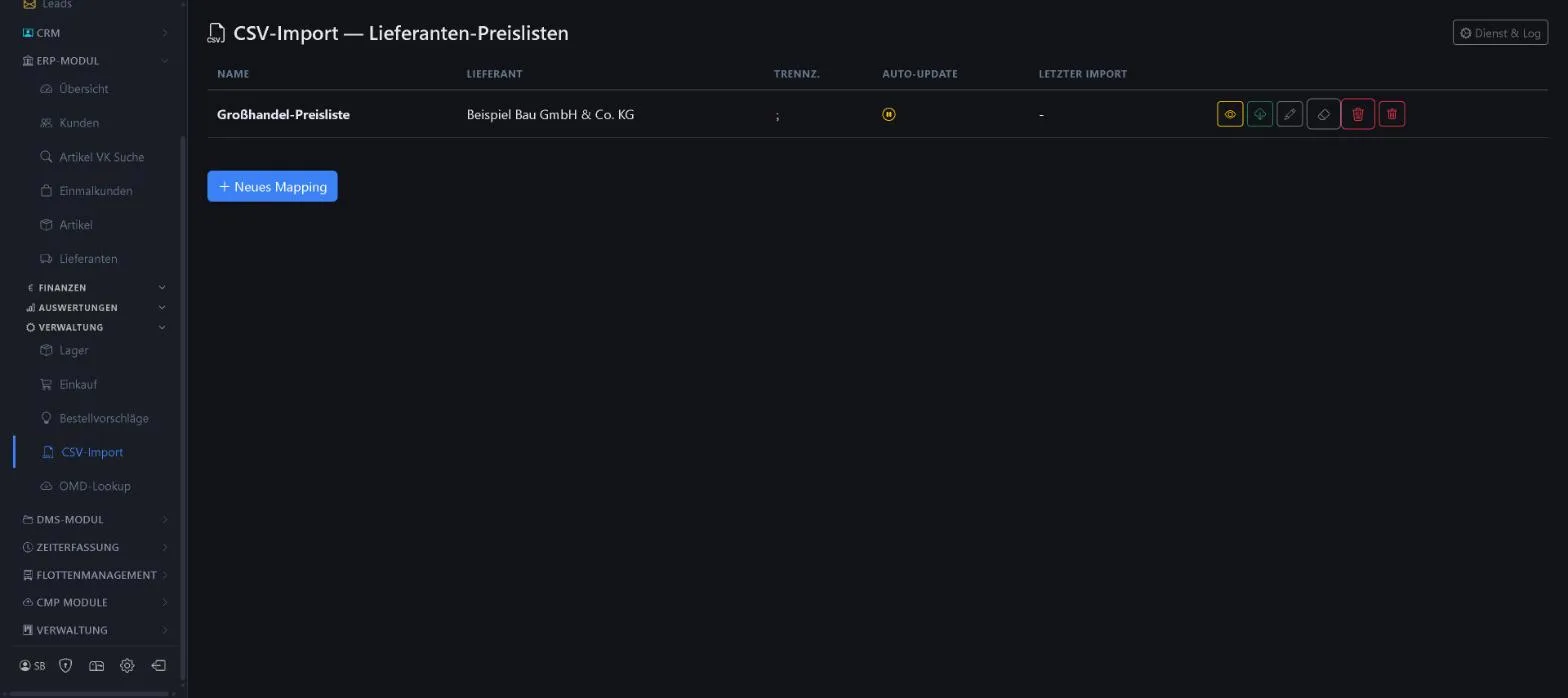
- Mapping per supplier with separator
- Preview before importing
- Automatic updates and log
Keywords Price list CSV import Wholesalers Item import
Item data from electrical wholesalers
Menu ERP-Modul Einkauf OMD-Lookup
Enter the supplier and item number or EAN: the item data is fetched live from the wholesaler and can be saved as an item.
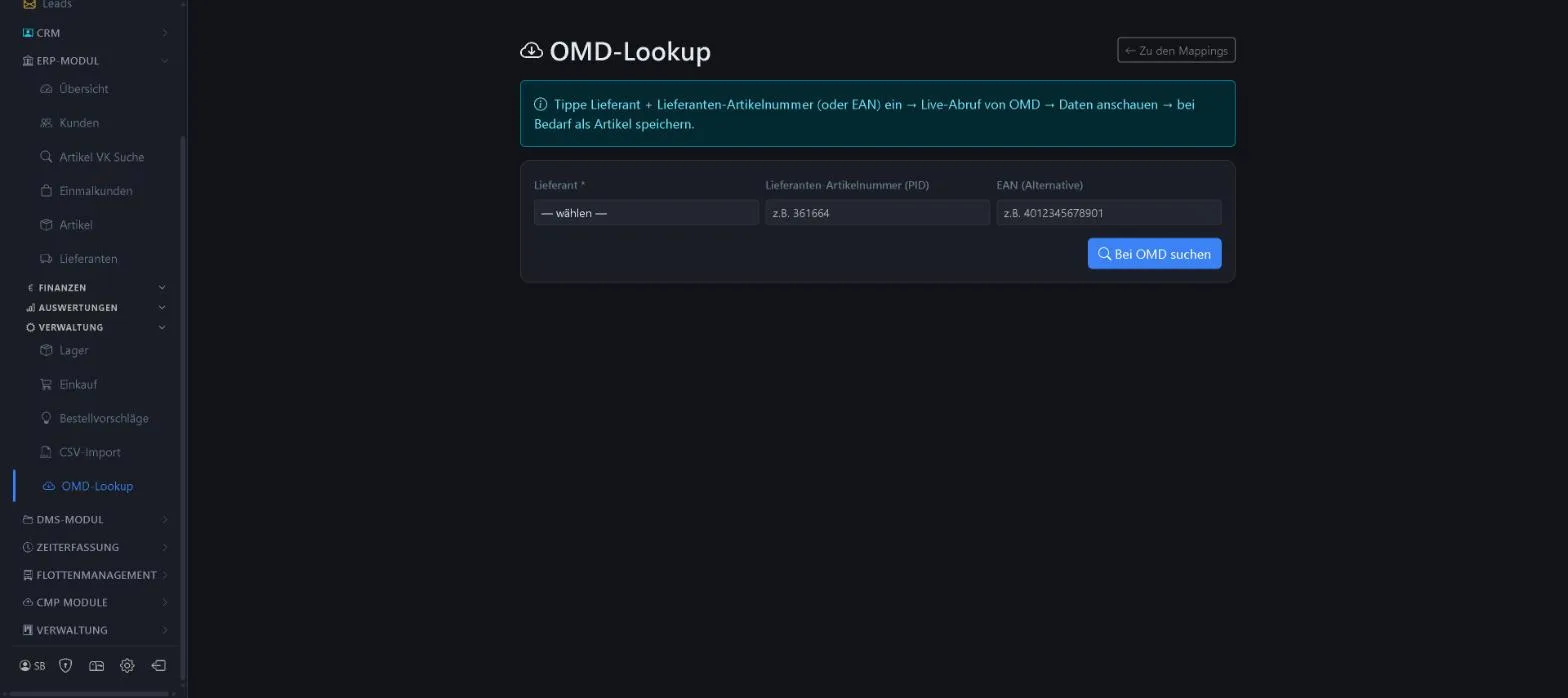
- Search by supplier item number or EAN
- View and take over the data
Keywords OMD EAN Item data Electrical wholesale Online lookup
More about this area on the product page.
Prefer to see it live?
We will show you 1x1-WorkOrderAgent in a demo, using your own workflows. Or try it free for 20 days with all modules.
0173 644 22 17