
Feature reference · chapter 12 of 13
Fleet management: logbook, map and company fuel station
The app on your phone records journeys. From these, the logbook, routes and jobs are created. Plus vehicles, devices and your own fuel station.
All screenshots show sample data. Names, amounts and addresses are made up. Menu names and screenshots show the German user interface.
Logbook
Menu Flottenmanagement Fahrtenbuch
The app measures each journey by GPS and matches the mileage to the road network. The logbook shows the journeys with date, time, vehicle, start and destination address. You choose the customer and reason, add the purpose if needed and accept the journey.
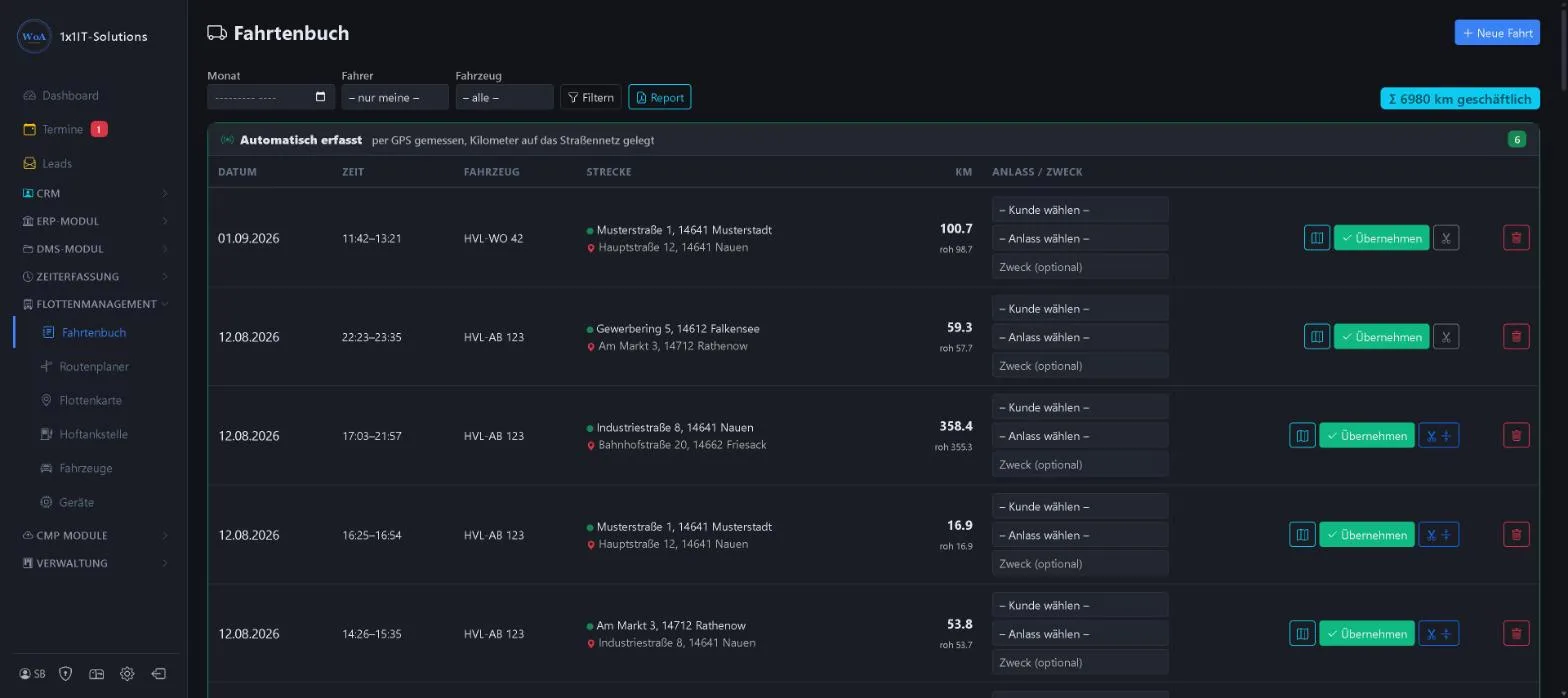
- Filter by month, driver and vehicle
- Total business mileage
- Split a journey, view it on the map or delete it
- Report and manual journey
Keywords Logbook Journeys Mileage Company car Private journey
Route planner
Menu Flottenmanagement Routenplaner
Search for addresses and calculate routes, on a map or aerial view. The maps come from our own map server, so your searches are not sent to outside map services.
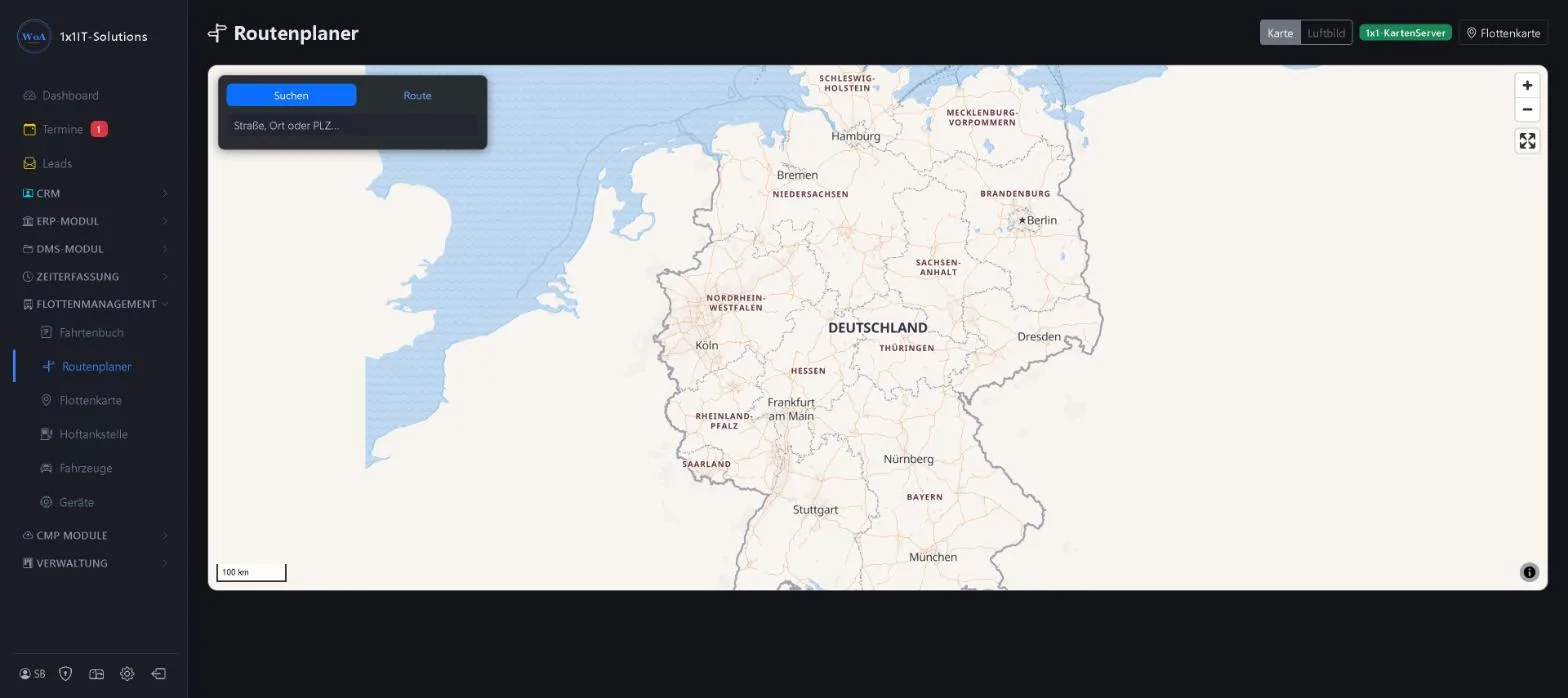
- Tabs Search and Route
- Map or aerial view
- Own map server
Keywords Route Route planning Navigation Stops
Fleet map
Menu Flottenmanagement Flottenkarte
Where are the vehicles right now? The map shows each vehicle’s last position with its speed and updates itself. For this wiki the map has been blurred.
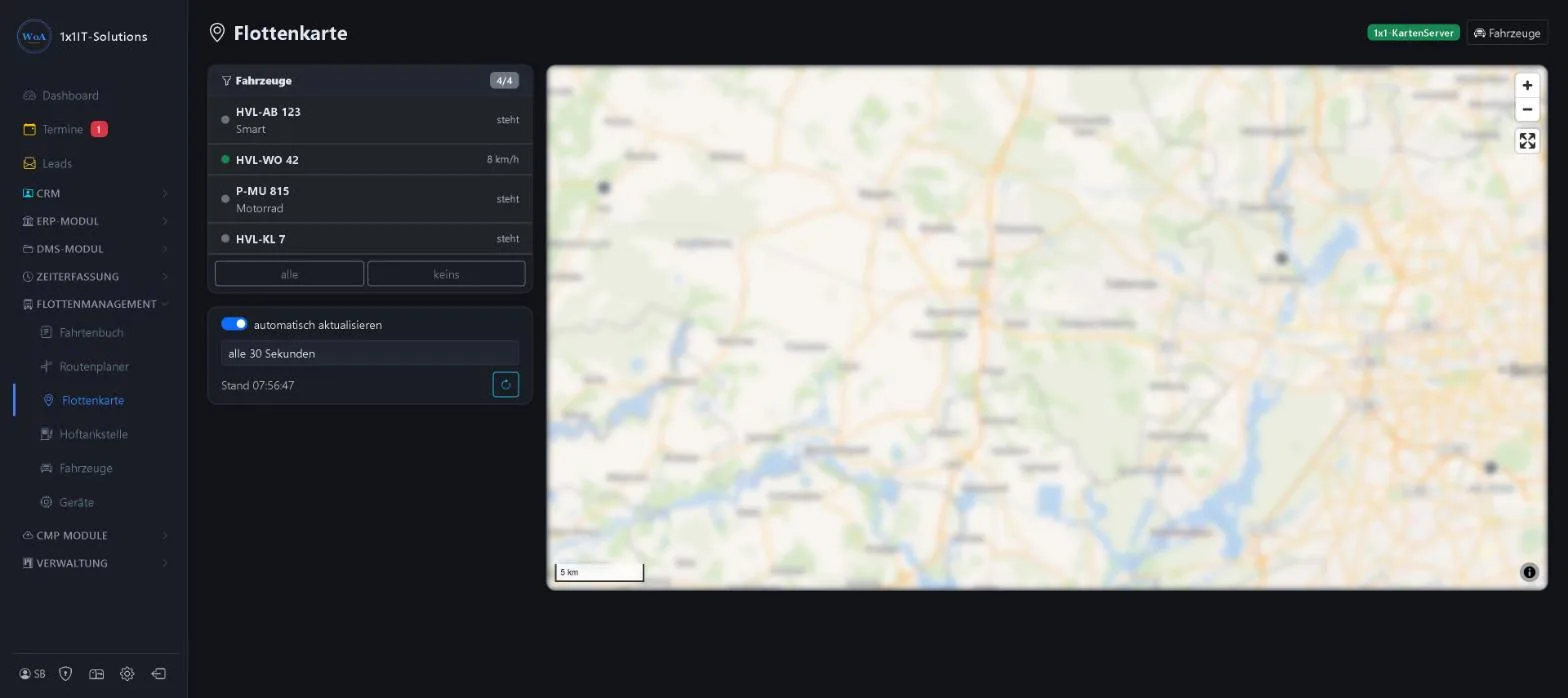
- Show and hide vehicles
- Automatic updates, for example every 30 seconds
- Own map server
Keywords Tracking Location Live map GPS Vehicle tracking
Company fuel station
Menu Flottenmanagement Hoftankstelle
For businesses with their own tank: fill level, stock value and average price per litre. Each refill blends the purchase price with the remaining stock. Drivers book withdrawals to their vehicle in the app.
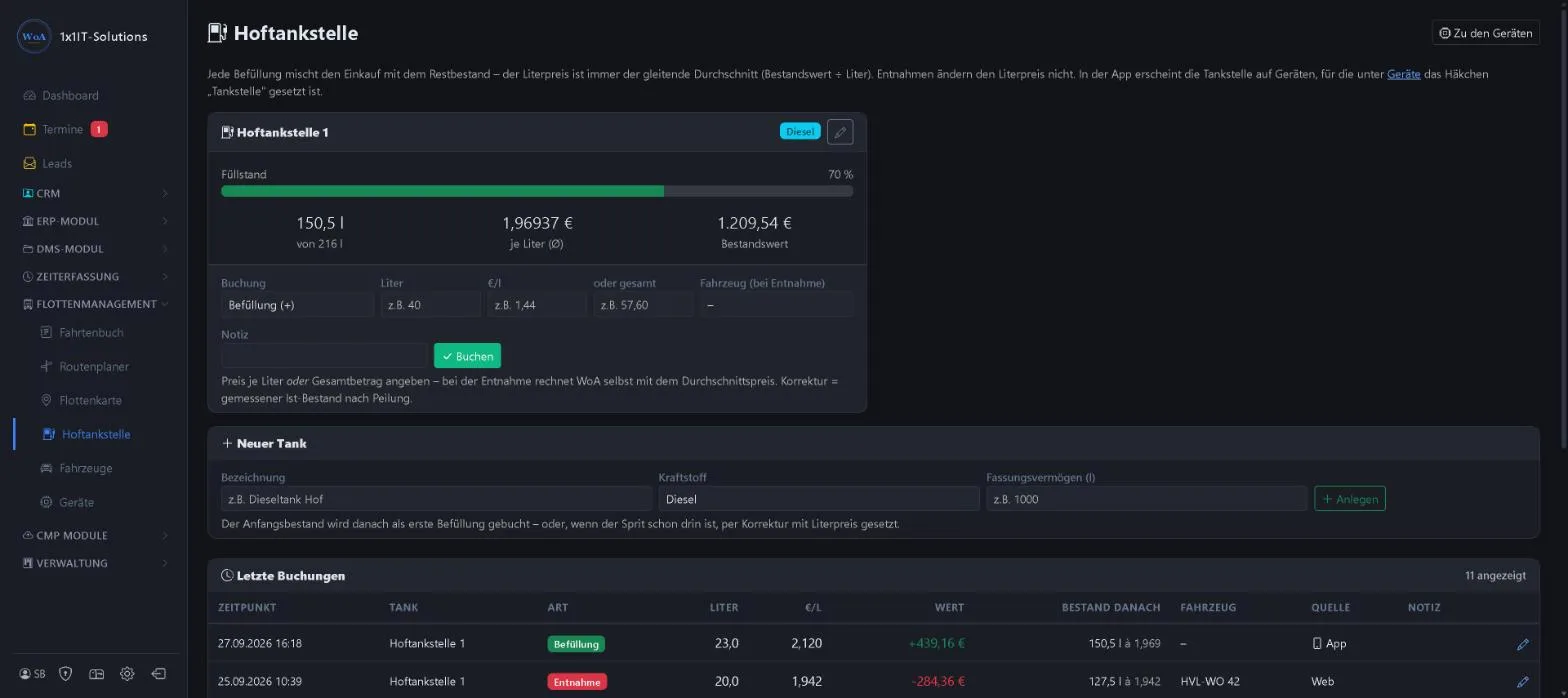
- Refill, withdrawal and correction after dipping the tank
- Moving average price
- Withdrawals per vehicle
Keywords Fuel station Diesel Tank Fuel Fill level
Vehicles
Menu Flottenmanagement Fahrzeuge
Registration number, name, manufacturer, model, mileage and regular driver. The “Bestand” (records) column shows journeys, open journeys and recorded points.
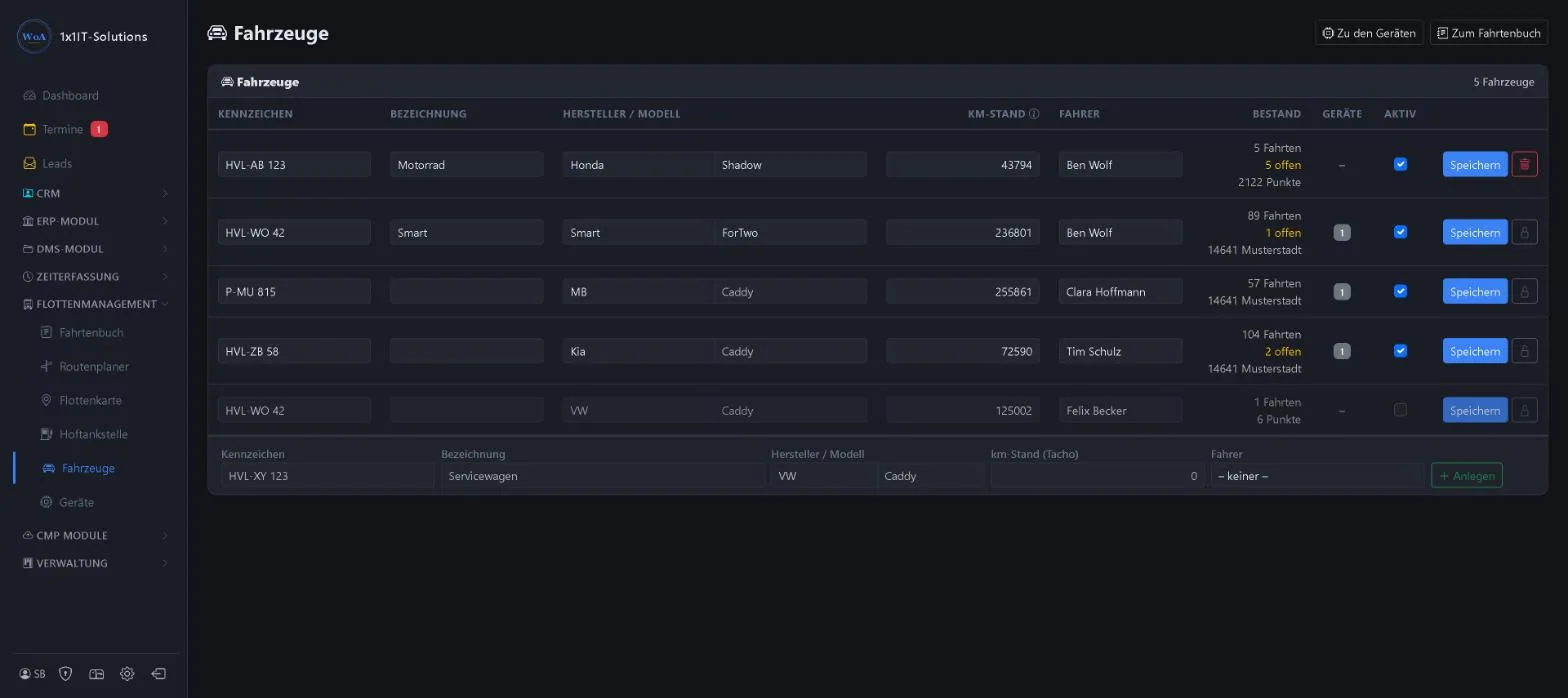
- Add and deactivate vehicles
- Assign a regular driver
- Mileage from the odometer
Keywords Fleet Vehicles Registration number Mileage
Devices and phone app
Menu Flottenmanagement Geräte
A device is usually an employee’s phone with the logbook app. It sends data for the vehicle it is currently travelling in. For each device you decide whether jobs, the fuel station and location sharing are allowed.
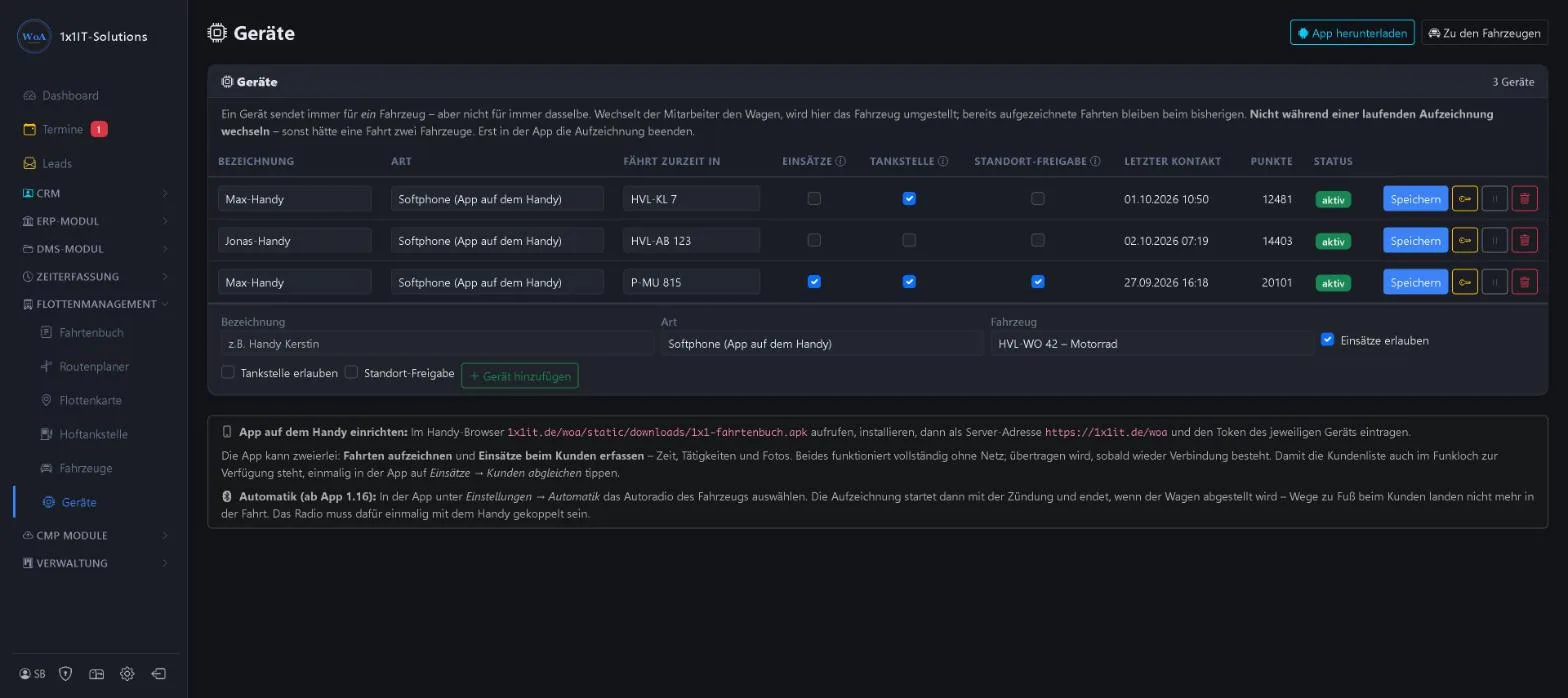
- Install the app and connect it with a token
- Journeys and jobs also work without a signal
- Automatic start via the car radio
More about this area on the product page.
Prefer to see it live?
We will show you 1x1-WorkOrderAgent in a demo, using your own workflows. Or try it free for 20 days with all modules.
0173 644 22 17