
Manual · examples, features, administration · 59 screens
The WorkOrderAgent wiki: every screen explained.
The examples walk through complete workflows step by step, for instance from quote to paid invoice. The feature reference explains each screen on its own, with a screenshot for every menu item. Search for a term or pick an area.
Examples
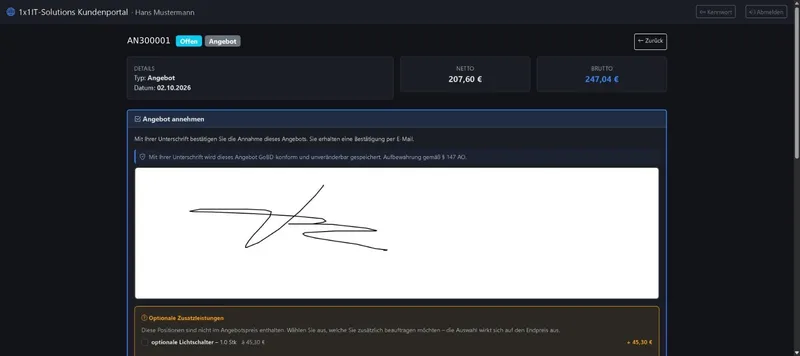
Complete workflows using one worked case, step by step with screenshots. Ideal for seeing how the features fit together.
Feature reference
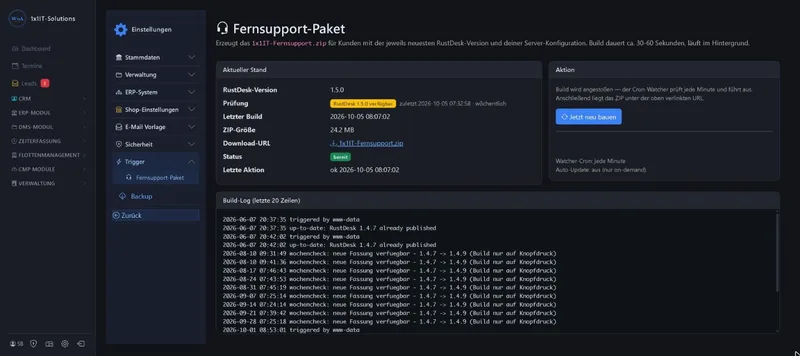
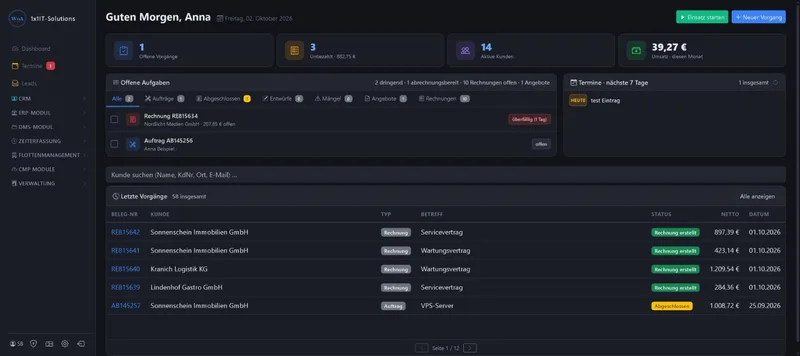
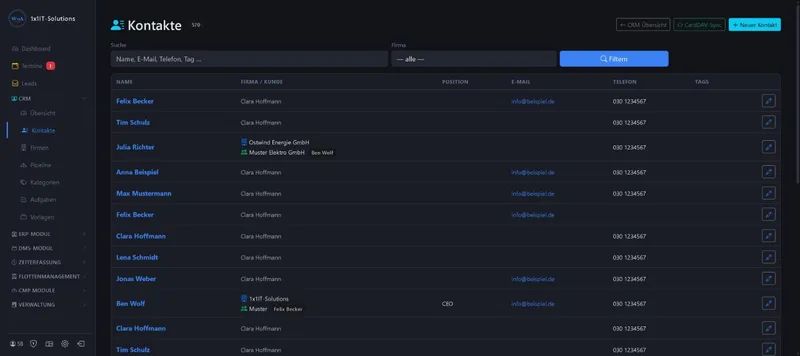
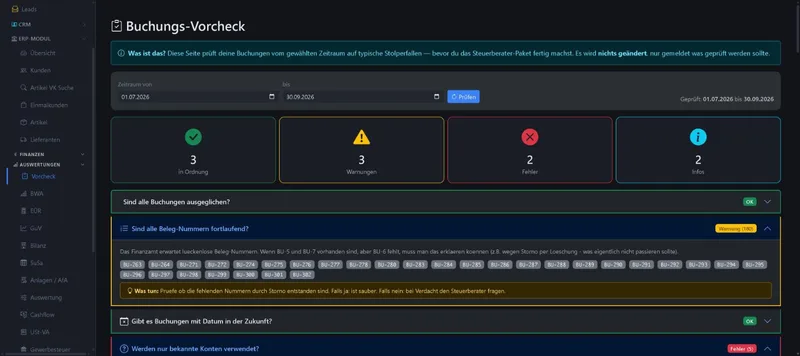
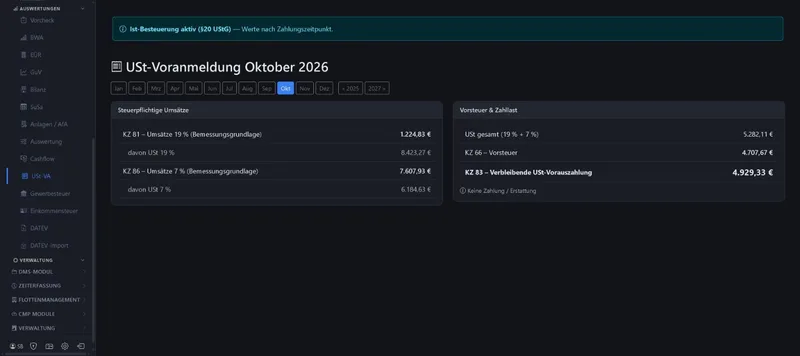
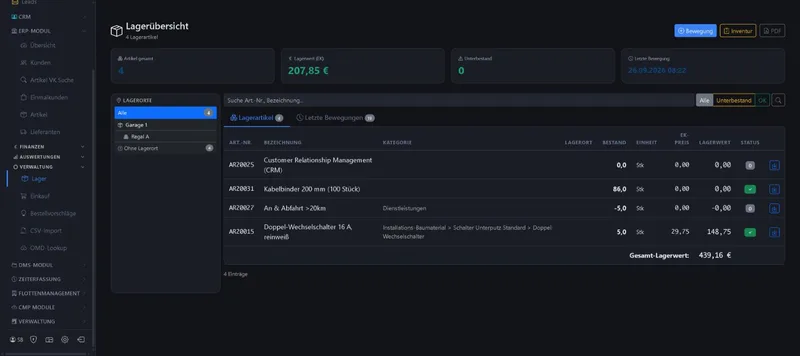
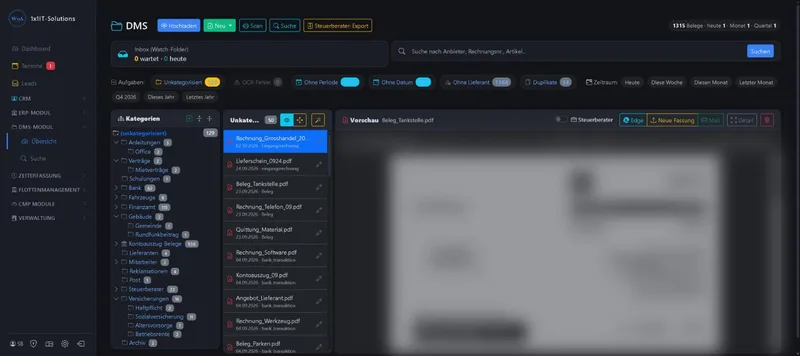
Every WorkOrderAgent screen explained on its own, ordered by menu. For looking things up when you want to know what a page can do.
-
-
-
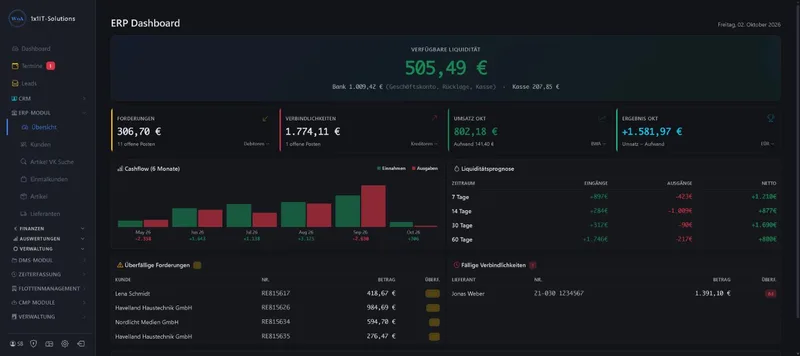
-
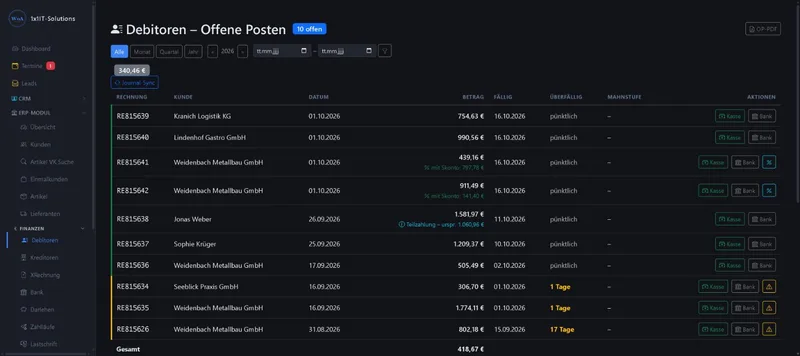
-
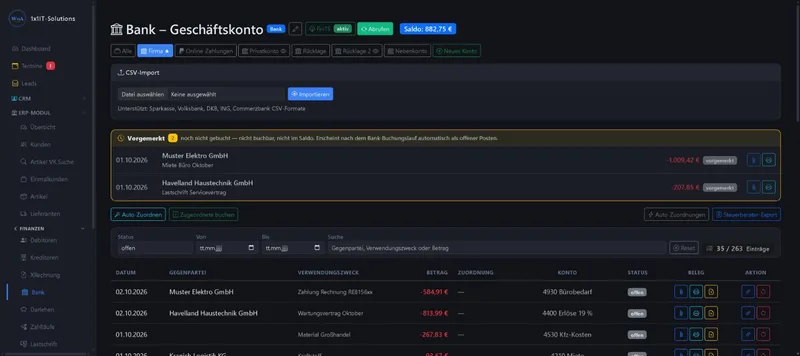
-
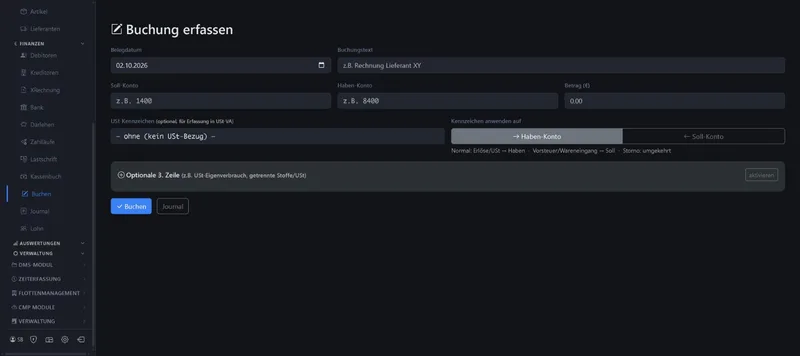
-
-
-
-
-
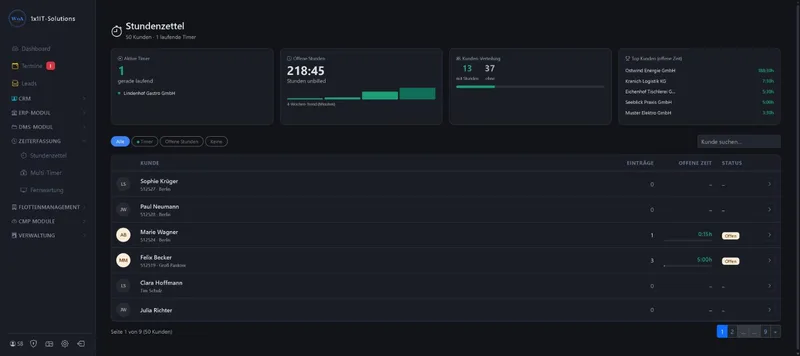
-
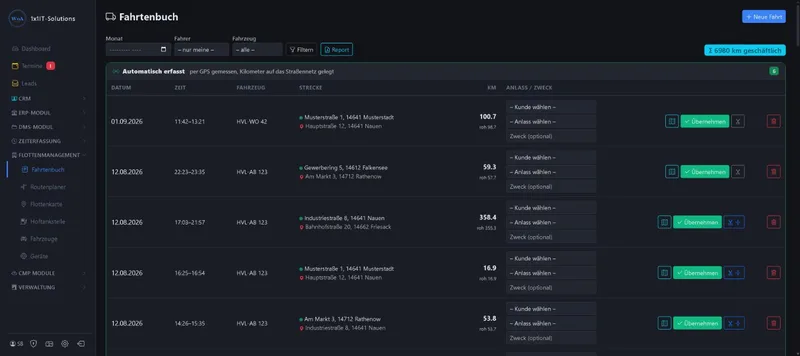
-
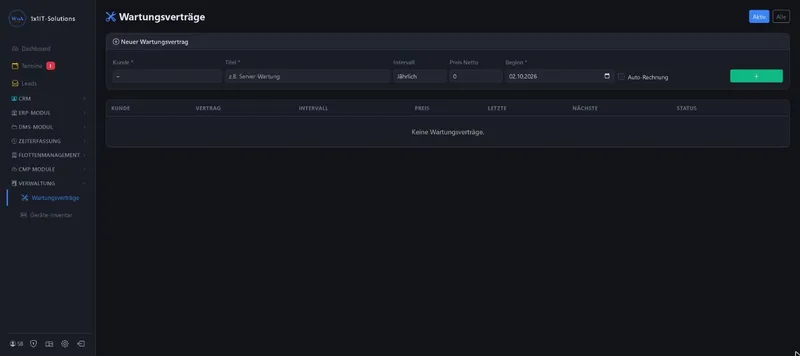
All screenshots show sample data. Names, amounts and addresses are made up. Menu names and screenshots show the German user interface.
Administration guides
For administrators of your WorkOrderAgent: setting up your own mail server, plus a field report from a real mail migration.
- Setting up the mail server10 sections Built-in mail server in the WorkOrderAgent: installation, domains, mailboxes, DNS records, settings for Outlook and Thunderbird, and a …
- Field report: mail migration12 sections Field report from October 2026: mail migration of a customer domain from Exchange and a web hoster to the WorkOrderAgent mail server, …
Frequently asked questions about the wiki
Is that real customer data in the screenshots?
No. The screens come from a live WorkOrderAgent, but all names, addresses, number plates and amounts were replaced with made-up sample data before capture.
Why are the screenshots in German?
WorkOrderAgent is built for businesses in Germany and its user interface is German. The wiki keeps the German menu names, so you find exactly what you see on screen.
How do I find a particular feature?
Type a term into the search above, such as “payment reminder”, “direct debit” or “logbook”. The search forgives typos and also knows the German terms, for example “Rechnung” for invoice.
Can I try WorkOrderAgent?
Yes, free for 20 days with all modules. If you would rather see a demo, write to us using the contact form.
Prefer to see it live?
We will show you 1x1-WorkOrderAgent in a demo, using your own workflows. Or try it free for 20 days with all modules.
0173 644 22 17